New PC Update Features | Weather, LL2 Engine and More
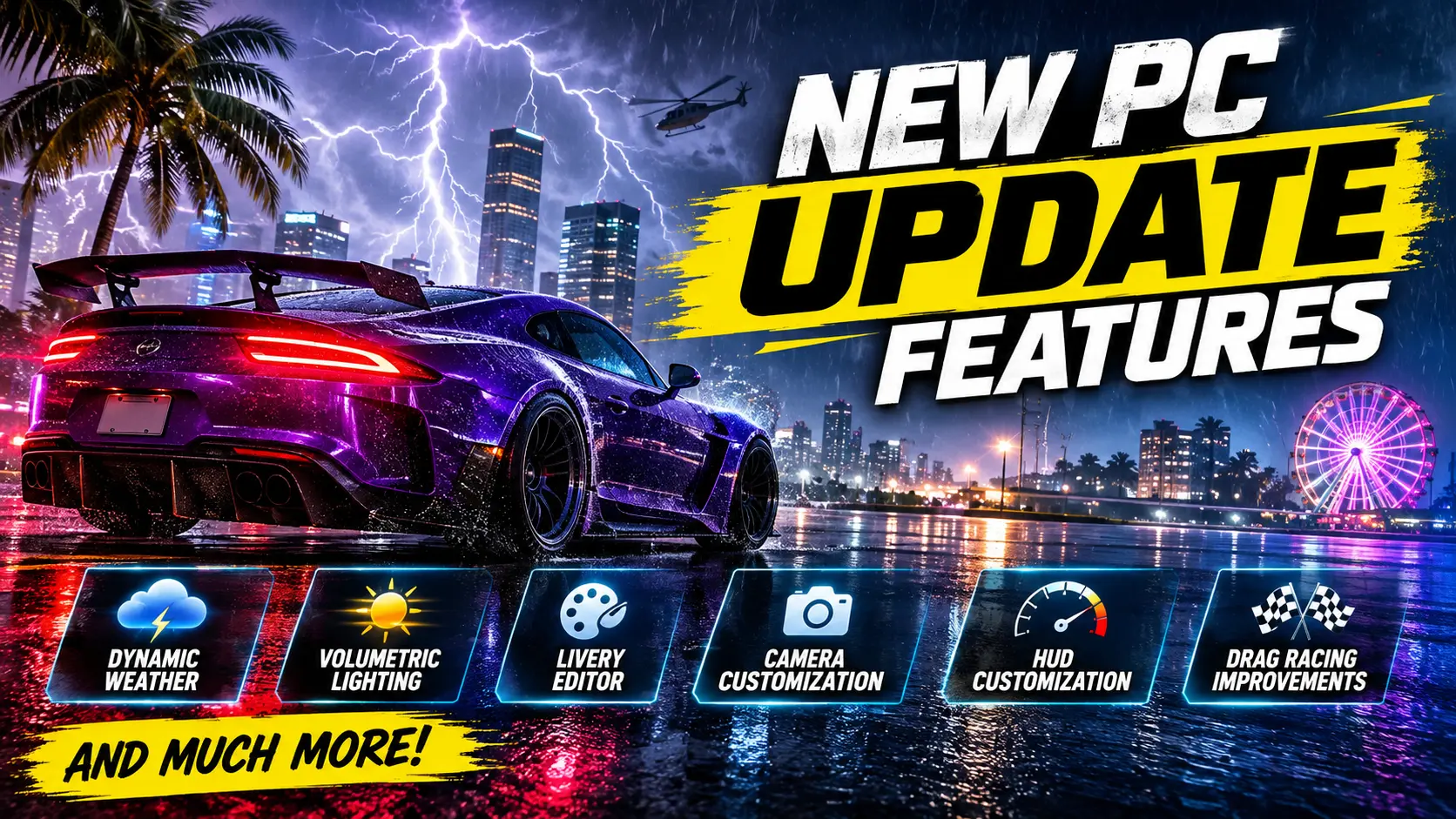
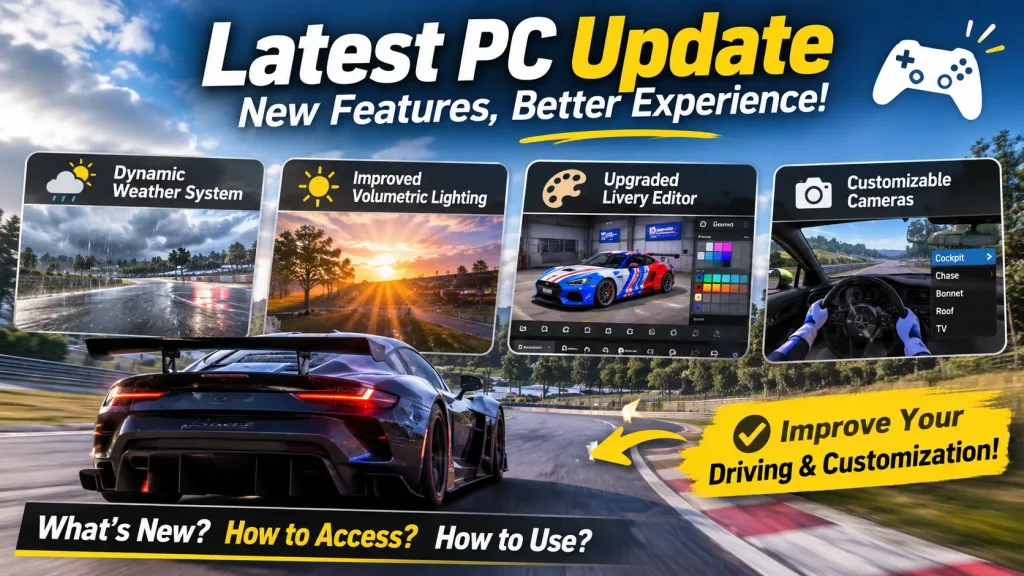
Finding and understanding all the latest game improvements can be confusing, especially when new settings and options are added. New PC Update introduces several useful changes, including an expanded Dynamic Weather System, improved Volumetric Lighting, an upgraded Livery Editor, and customizable cameras.
Screenshots

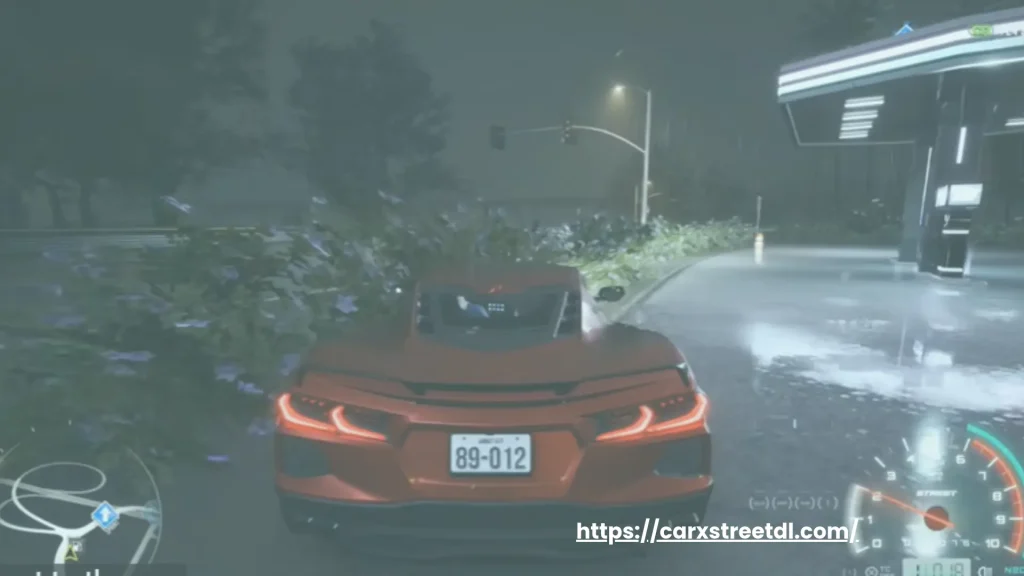
Play with the New PC Update Features
Follow these steps to explore latest PC update features and make better use of the updated gameplay options.
Dynamic Weather System
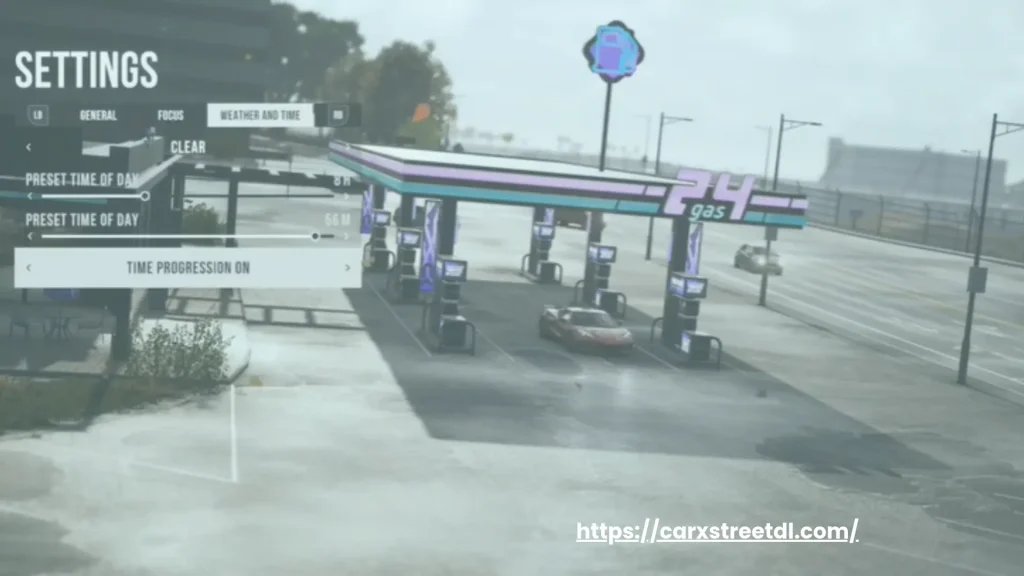
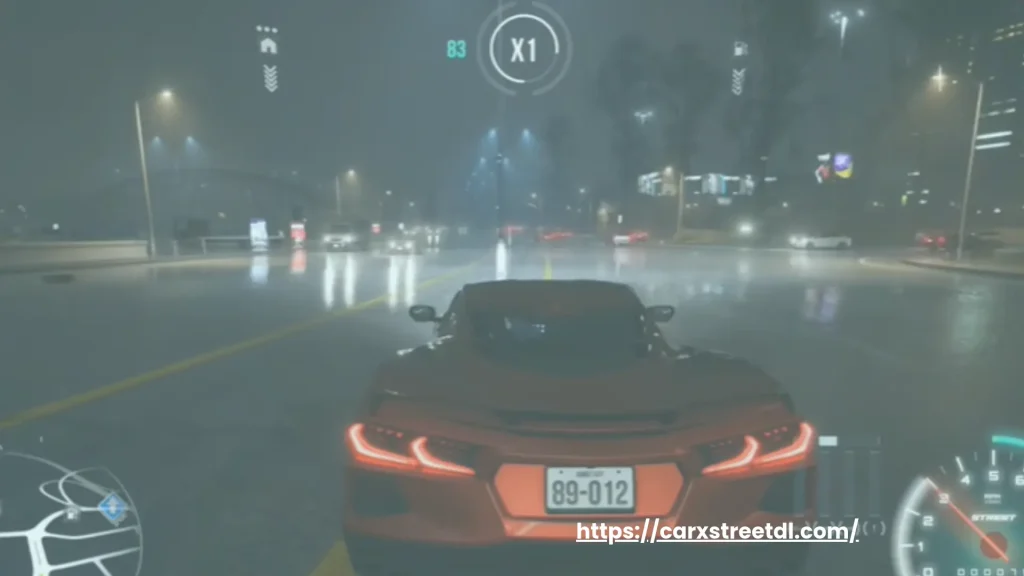
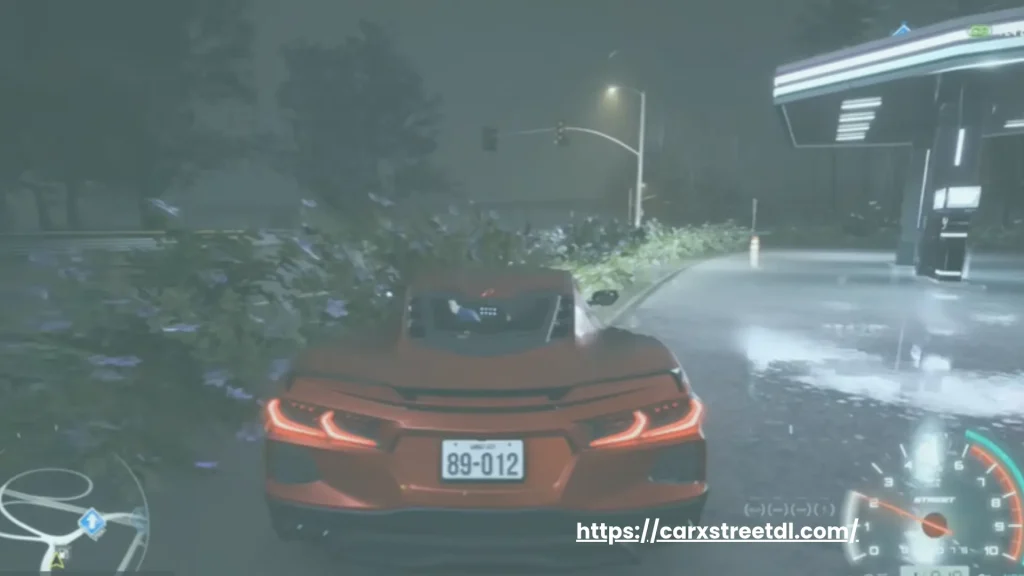
Start by opening the weather settings and selecting your preferred weather conditions. You can now experience powerful Thunderstorms, lightning strikes, rolling thunder, and strong winds. There is a separate option to enable or disable lightning.
Graphics and Lighting Settings
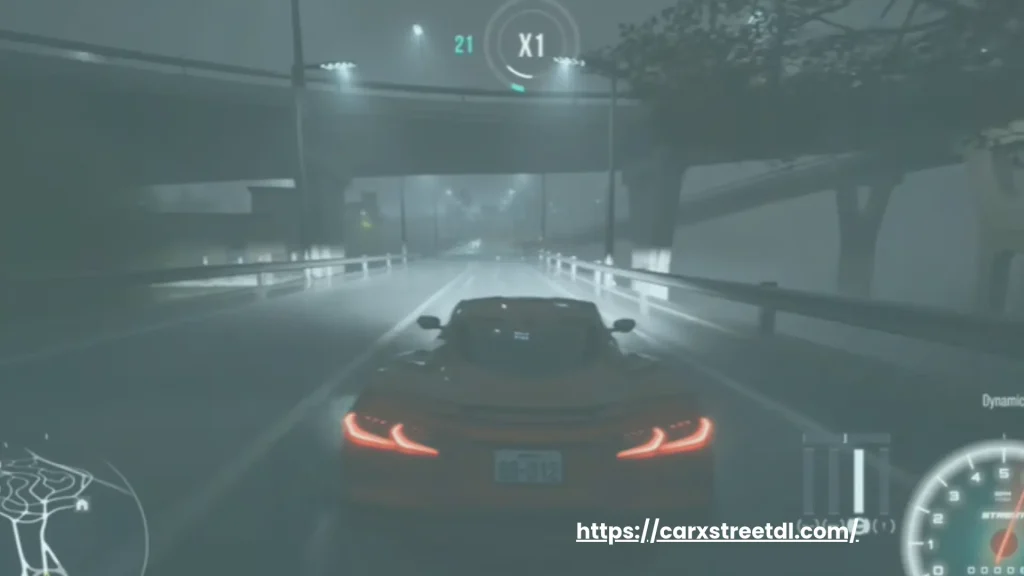
Open the graphics settings and explore the new Volumetric Lighting option. This feature creates realistic light rays, especially during foggy weather and nighttime driving. You can also adjust its quality according to your PC performance.
Livery Editor
Enter the Livery Editor to create personalized car designs. Use the new undo and redo options to correct mistakes easily. You can work with up to 700 Layers, enter exact colors using HEX Codes, save favorite decals, and use projection settings to control decal placement.
HUD Interface
Go to Settings, open the Game tab, and find the Customize option. Here, you can move, resize, enable, or disable interface elements. These include the Mini Map, speedometer, tire condition, turbine pressure, and driving points.
Camera Settings
Open the camera settings to explore the new camera mode. You can adjust camera height, offset, field of view, and camera shake. You can remove unused cameras from the switching cycle and enable horizon stabilization for more comfortable driving experience.
Drag Racing Experience
Enter drag races and practice the updated burnout mechanics. You now need to perform a burnout only once at the beginning of a race instead of repeating it in every round. You can also skip rounds and enjoy more realistic rival burnouts.
Photo Mode
Open Photo Mode to capture better car pictures. Change the weather and time of day directly from the photo settings. You can freeze time, control headlights and blinkers, and move the Drone Camera freely to capture different angles.
Racing Improvements
Participate in rival races and use the new Rivals Leaderboard to track opponent positions and time differences. Check the rotating mini-map to understand your surroundings and monitor your competitors during races.
Vehicle Performance
Before entering a race, make sure your car has enough fuel. The improved fuel warning will notify you earlier when refueling is required. Also, check your vehicle setups because the LL2 Engine has received a power reduction.
Optimize Your PC Settings
Finally, explore the graphics options and their additional descriptions to understand GPU, CPU, and video memory usage. Adjust render distance independently of your graphics preset to find suitable settings for your system.
Improvements and Changes
The update includes several additional changes that improve the overall driving experience:
Disclaimer
Features and improvements mentioned in this article are based on the available update information. Some settings and performance results may vary depending on your PC specifications and game configuration.
Click here to download CarX Street unlimited money 2026